src/modules/basicdata/service/iot.ts
@@ -114,5 +114,4 @@ return result; } } src/modules/monitor/controller/admin/capturetask.ts
New file @@ -0,0 +1,20 @@ import { Inject } from '@midwayjs/core'; import { CoolController, BaseController } from '@cool-midway/core'; import { PushCaptureTaskEntity } from '../../entity/capturetask'; import { CapturetaskService } from '../../service/capturetask'; @CoolController({ api: ['add', 'delete', 'update', 'info', 'list', 'page'], entity: PushCaptureTaskEntity, service: CapturetaskService, pageQueryOp: { keyWordLikeFields: ['a.deviceSerial', 'a.captureTaskId'], fieldEq: ['a.status', 'a.captureDate'] } }) export class AdminPushCaptureTaskController extends BaseController { @Inject() capturetaskService: CapturetaskService; } src/modules/monitor/entity/capturetask.ts
New file @@ -0,0 +1,34 @@ // src/modules/push/entity/capturetask.ts import { BaseEntity } from '../../base/entity/base'; import { Column, Entity, Index } from 'typeorm'; @Entity('t_push_capture_task') export class PushCaptureTaskEntity extends BaseEntity { @Index() @Column({ comment: '设备序列号' }) deviceSerial: string; @Column({ comment: '通道号', type: 'int', default: 0 }) channelNo: number; @Column({ comment: '抓图任务ID(萤石返回)', nullable: true }) captureTaskId: string; @Column({ comment: '云空间spaceId', nullable: true }) spaceId: string; @Column({ comment: '图片在云空间的URL', type: 'text', nullable: true }) cloudUrl: string; @Column({ comment: '图片在本地的URL', type: 'text', nullable: true }) localUrl: string; @Column({ comment: '本地存储路径', type: 'text', nullable: true }) localPath: string; @Column({ comment: '抓拍状态', dict: ['PENDING','SUCCESS','FAILED'], default: 'PENDING' }) status: string; @Column({ comment: '任务执行日期', nullable: true }) captureDate: string; } src/modules/monitor/service/capturetask.ts
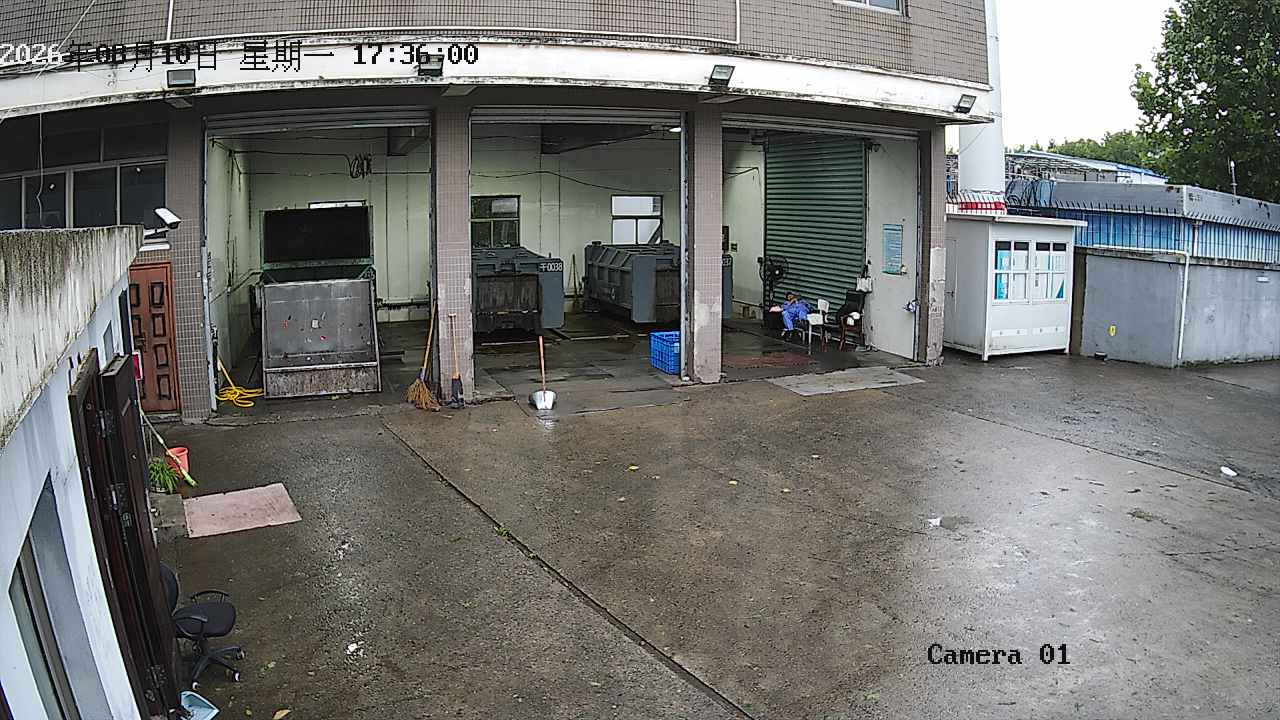
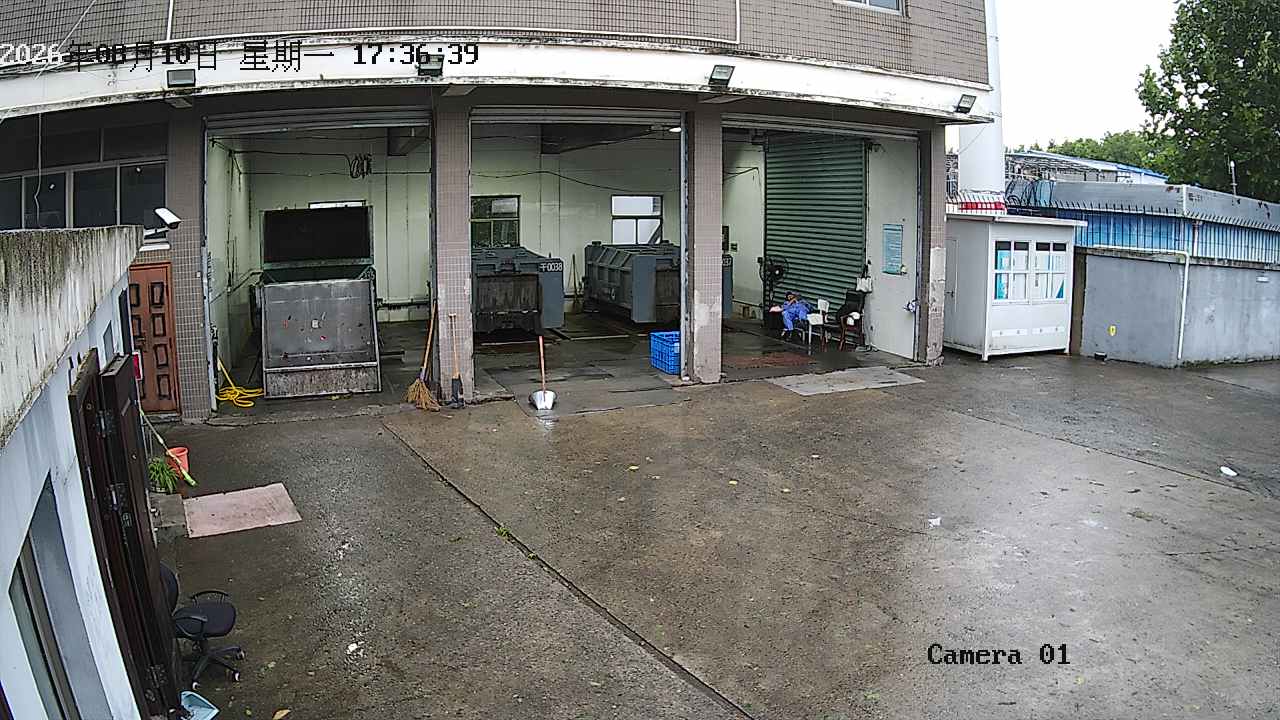
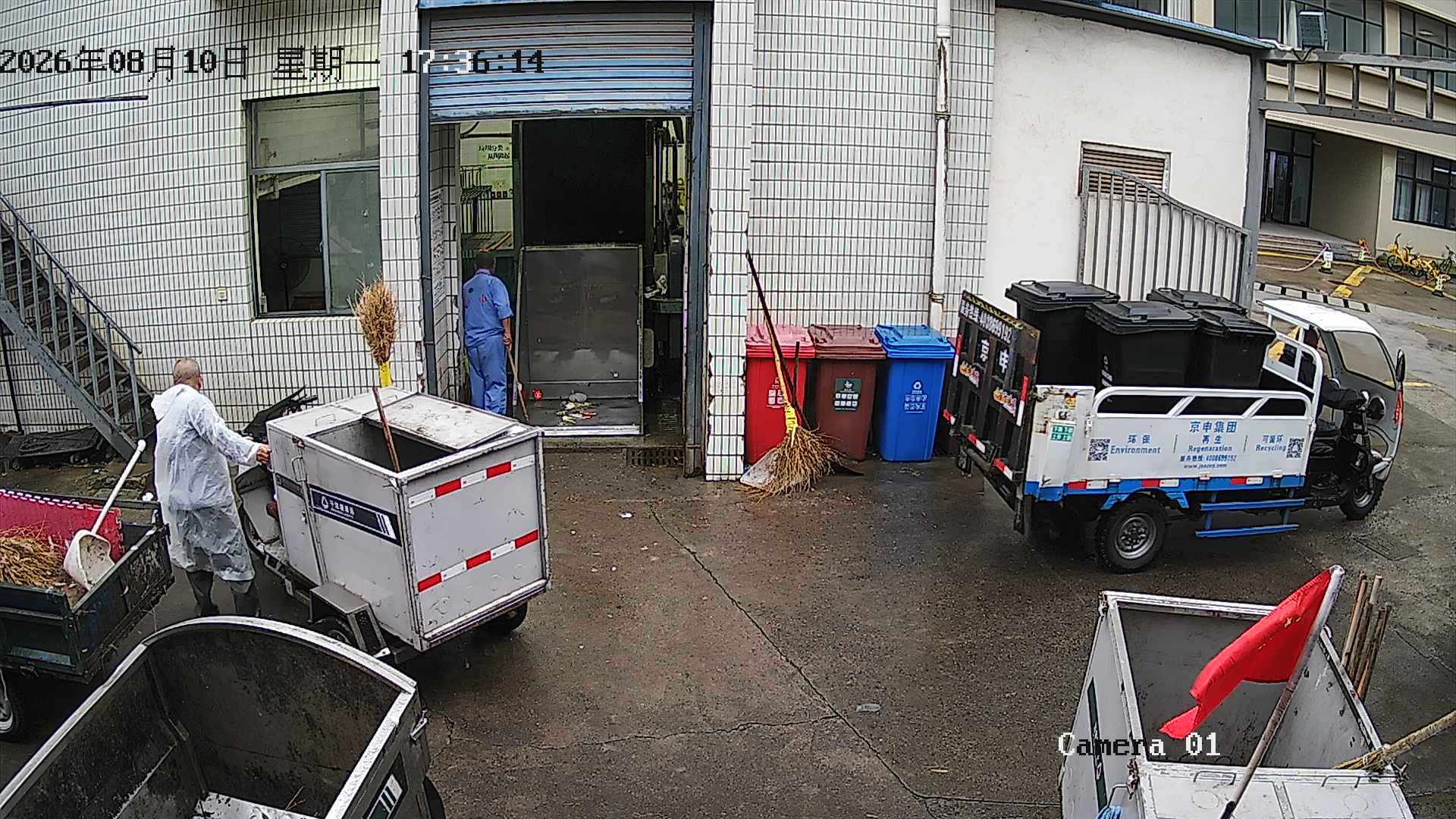
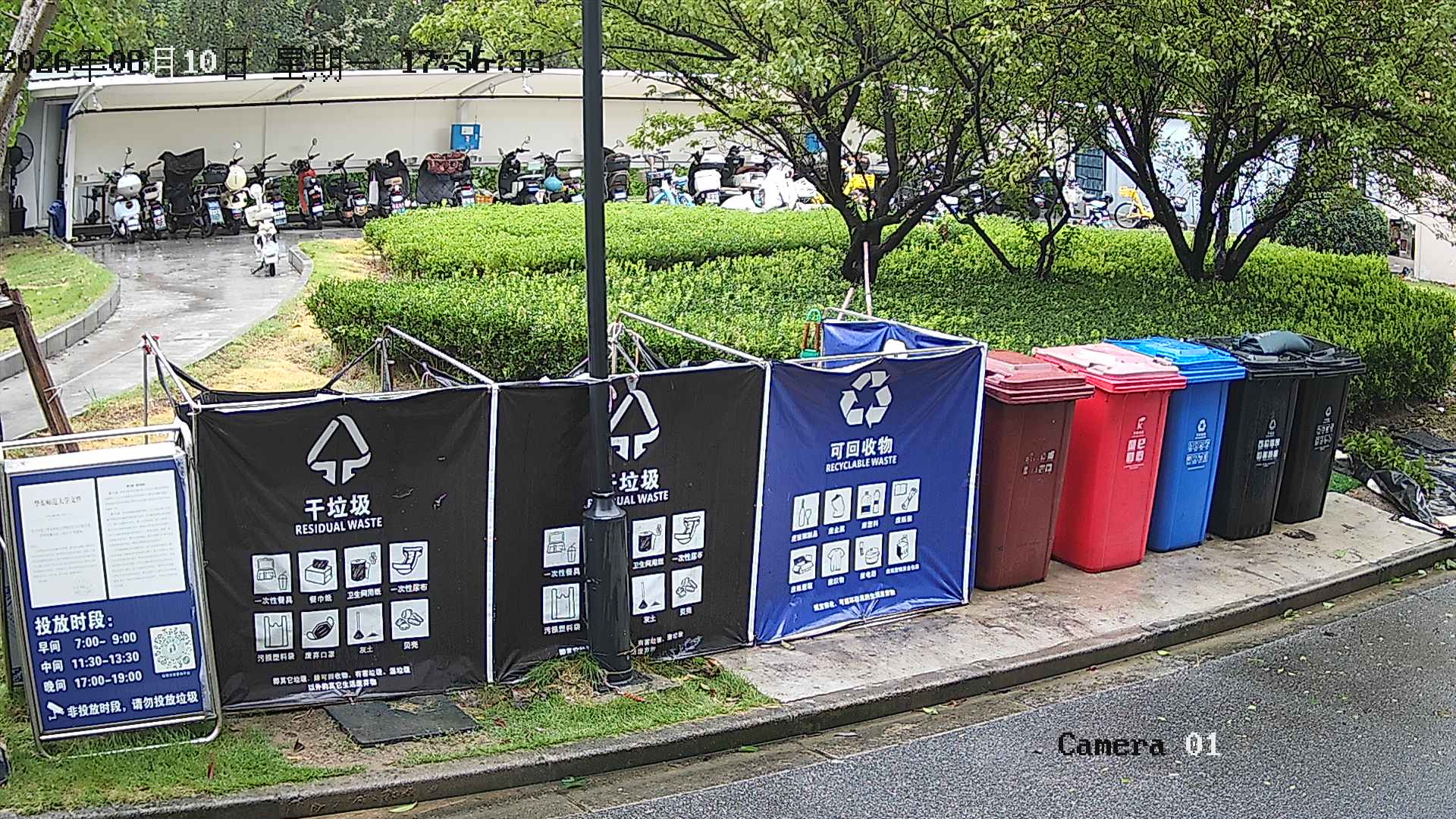
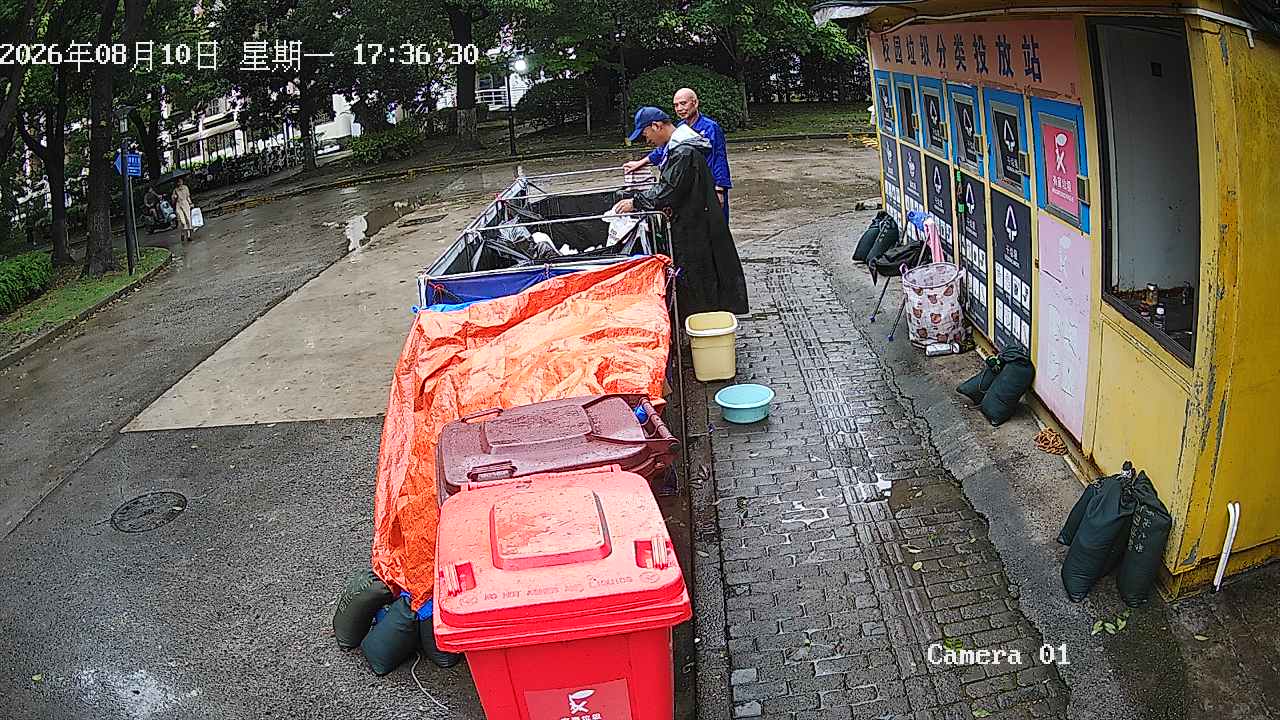
New file @@ -0,0 +1,382 @@ import { Inject, Provide } from '@midwayjs/core'; import { BaseService } from '@cool-midway/core'; import { InjectEntityModel } from '@midwayjs/typeorm'; import { Repository } from 'typeorm'; import { BasicdataIotEntity } from '../../basicdata/entity/iot'; import { BaseSysParamEntity } from '../../base/entity/sys/param'; import * as _ from 'lodash'; import { PushCaptureTaskEntity } from '../../monitor/entity/capturetask'; import * as fs from 'fs'; import * as path from 'path'; import * as http from 'http'; import * as https from 'https'; import { Readable } from 'stream'; /** * 数据源定义信息服务 */ @Provide() export class CapturetaskService extends BaseService { @InjectEntityModel(BasicdataIotEntity) basicdataIotEntity: Repository<BasicdataIotEntity>; @InjectEntityModel(BaseSysParamEntity) baseSysParamEntity: Repository<BaseSysParamEntity>; @InjectEntityModel(PushCaptureTaskEntity) pushCaptureTaskEntity: Repository<PushCaptureTaskEntity>; /** * 给所有萤石云固定监控设备:即时抓图(captureType=1) → 下载到本地 → 落库 → 删除云端图片 */ async captureForAllDevices() { console.log('[Capture] ===== 开始 captureForAllDevices ====='); // 1. token const tokenEntity = await this.baseSysParamEntity.findOneBy({ keyName: 'ys7.accessToken' }); console.log('[Capture] tokenEntity=', tokenEntity?.id, tokenEntity?.keyName); if (!tokenEntity?.data) { console.error('[Capture] ❌ 萤石 accessToken 不存在,请先获取 Token'); return; } const accessToken = tokenEntity.data as string; console.log('[Capture] accessToken 存在,长度=', accessToken.length); // 2. projectId let projectId: string; try { projectId = await this.getProjectId(); console.log('[Capture] projectId=', projectId); } catch (e) { console.error('[Capture] ❌ 获取 projectId 失败', e); return; } // 3. 查设备 const devices = await this.basicdataIotEntity.find({ where: { iotTypeCode: '萤石云固定监控' }, }); console.log(`[Capture] 查询到设备数量=${devices.length}`); if (devices.length === 0) { console.warn('[Capture] ⚠️ 没有萤石云固定监控设备,直接结束'); return; } for (const [index, device] of devices.entries()) { console.log(`\n[Capture] ===== 设备 ${index + 1}/${devices.length} =====`); const deviceSerial = device.iotCode; const fileId = `cap_${deviceSerial}_${Date.now()}`; try { console.log('[Capture] 准备调用萤石抓图接口'); const params = new URLSearchParams({ accessToken, deviceSerial, channelNo: '1', projectId, fileId, captureType: '1', }); console.log('[Capture] 请求URL=https://open.ys7.com/api/open/cloud/v1/capture/save'); console.log('[Capture] 请求参数=', params.toString()); const resp = await fetch('https://open.ys7.com/api/open/cloud/v1/capture/save', { method: 'POST', headers: { 'Content-Type': 'application/x-www-form-urlencoded' }, body: params.toString(), }); console.log('[Capture] HTTP STATUS=', resp.status); const json: any = await resp.json(); console.log('[Capture] 萤石返回=', JSON.stringify(json)); if (json.meta?.code !== 200) { console.error( `[Capture] ❌ 抓图失败 ${deviceSerial} code=${json.meta?.code} msg=${json.meta?.message}` ); continue; } const picUrl: string = json.data; if (!picUrl) { console.error('[Capture] ❌ 萤石返回 picUrl 为空'); continue; } console.log('[Capture] 抓图成功 picUrl=', picUrl); // 4. 本地目录 const dateDir = new Date().toISOString().slice(0, 10).replace(/-/g, ''); const localDir = path.join(process.cwd(), 'uploads', 'capture', dateDir); fs.mkdirSync(localDir, { recursive: true }); console.log('[Capture] 本地目录=', localDir); const ext = path.extname(new URL(picUrl).pathname) || '.jpg'; const fileName = `${deviceSerial}_${Date.now()}${ext}`; const dest = path.join(localDir, fileName); console.log('[Capture] 开始下载图片 dest=', dest); await this.downloadToFile(picUrl, dest); console.log('[Capture] 图片下载完成'); const relativePath = path .relative(path.join(process.cwd(), 'uploads'), dest) .replace(/\\/g, '/'); const localUrl = `/uploads/${relativePath}`; console.log('[Capture] localUrl=', localUrl); const entity = { deviceSerial, channelNo: '1', captureTaskId: fileId, cloudUrl: picUrl, localPath: dest, localUrl, spaceId: projectId, status: 'SUCCESS', captureDate: dateDir, } as any; console.log('[Capture] 准备落库 entity=', JSON.stringify(entity)); await this.pushCaptureTaskEntity.save(entity); console.log('[Capture] ✅ 落库成功'); // 5. 删除云端 try { await this.deleteCloudCapture(projectId, fileId); console.log('[Capture] ✅ 云端图片已删除'); } catch (delErr) { console.warn('[Capture] ⚠️ 云端删除失败', delErr); } console.log('[Capture] 等待 1500ms 后处理下一台设备'); await new Promise(r => setTimeout(r, 1500)); } catch (err) { console.error(`[Capture] ❌ 设备异常 ${deviceSerial}`, err); } } console.log('[Capture] ===== captureForAllDevices 执行结束 ====='); } async deleteCloudCapture(projectId: string, fileId: string) { const tokenEntity = await this.baseSysParamEntity.findOneBy({ keyName: 'ys7.accessToken' }); if (!tokenEntity?.data) { throw new Error('萤石 accessToken 不存在,请先获取 Token'); } const accessToken = tokenEntity.data as string; const url = `https://open.ys7.com/api/open/cloud/v1/file?accessToken=${accessToken}&projectId=${projectId}&fileId=${encodeURIComponent(fileId)}`; const resp = await fetch(url, { method: 'DELETE' }); const json: any = await resp.json(); if (json.meta?.code !== 200) { throw new Error('删除云抓拍失败: ' + JSON.stringify(json)); } } /** * 1. 获取所有萤石云固定监控设备的iotCode(iotCode就是deviceSerial) 2. 给每一个设备创建抓图任务(下发设备抓拍) 3. 下载到本地并落库 * 在整个函数中完成所有的操作,确保每个步骤都能正确执行,并在出现错误时进行适当的处理和日志记录。 */ async dailyCaptureForAllDevices() { const devices = await this.basicdataIotEntity.find({ where: { iotTypeCode: '萤石云固定监控', }, }); for (const device of devices) { const deviceSerial = device.iotCode; const channelNo = Number(device.iotChanel ?? 1); try { const existing = await this.pushCaptureTaskEntity.findOne({ where: { deviceSerial, status: 'TASK_CREATED', }, }); let taskId: string; if (existing) { taskId = existing.captureTaskId; console.log(`[Capture] 任务已存在 ${deviceSerial} taskId=${taskId}`); } else { const { taskId: newTaskId } = await this.createDeviceCaptureTask( deviceSerial, channelNo, ); taskId = newTaskId; await this.pushCaptureTaskEntity.save({ deviceSerial, channelNo, captureTaskId: taskId, spaceId: await this.getSpaceID(), status: 'TASK_CREATED', captureDate: new Date().toISOString().slice(0, 10).replace(/-/g, ''), }); console.log(`[Capture] 创建任务成功 ${deviceSerial} taskId=${taskId}`); } await this.downloadAndSaveCapture(deviceSerial, channelNo); } catch (err) { console.error(`[Capture] 设备失败 ${deviceSerial}`, err); } } } // ---------- 1. 创建抓图任务(下发设备抓拍) ---------- async createDeviceCaptureTask(deviceSerial: string, channelNo = 1) { const spaceId = await this.getSpaceID(); const tokenEntity = await this.baseSysParamEntity.findOneBy({ keyName: 'ys7.accessToken' }); if (!tokenEntity?.data) { throw new Error('萤石 accessToken 不存在,请先获取 Token'); } const accessToken = tokenEntity.data as string; const today = new Date().toISOString().slice(0, 10).replace(/-/g, ''); const taskName = `daily_${deviceSerial}_${today}`; // 萤石「批量抓图任务」接口(结果写云空间) const params = new URLSearchParams({ accessToken, taskName, deviceSerial, channelNo: String(channelNo), captureType: '1', resultSpaceId: spaceId, schedule: '0 0 8,12,18,20 * * ?', expireDays: '7', }); const resp = await fetch('https://open.ys7.com/api/service/cloudrecord/pic/capture/task', { method: 'POST', headers: { 'Content-Type': 'application/x-www-form-urlencoded' }, body: params.toString(), }); const json: any = await resp.json(); if (json.meta?.code !== 200) throw new Error('create capture task fail: ' + JSON.stringify(json)); return { taskId: json.data?.taskId, spaceId }; } // ---------- 2. 查询任务产生的图片(媒资列表) ---------- async queryCaptureImages(deviceSerial: string, spaceId: string) { const tokenEntity = await this.baseSysParamEntity.findOneBy({ keyName: 'ys7.accessToken' }); if (!tokenEntity?.data) { throw new Error('萤石 accessToken 不存在,请先获取 Token'); } const accessToken = tokenEntity.data as string; const params = new URLSearchParams({ accessToken, deviceSerial, spaceId, startTime: this.dayStartTimestamp(), endTime: this.dayEndTimestamp(), }); const resp = await fetch('https://open.ys7.com/api/open/cloud/v1/capture/list?' + params.toString()); const json: any = await resp.json(); return (json.data?.list || []) as Array<{ picUrl: string; captureTime: number; picId: string }>; } // ---------- 3. 下载到本地并落库 ---------- async downloadAndSaveCapture(deviceSerial: string, channelNo = 0) { const spaceId = await this.getSpaceID(); const imgs = await this.queryCaptureImages(deviceSerial, spaceId); const dateDir = new Date().toISOString().slice(0, 10).replace(/-/g, ''); const localDir = path.join(process.cwd(), 'uploads', 'capture', dateDir); fs.mkdirSync(localDir, { recursive: true }); for (const img of imgs) { const ext = path.extname(new URL(img.picUrl).pathname) || '.jpg'; const fileName = `${deviceSerial}_${img.captureTime}${ext}`; const dest = path.join(localDir, fileName); try { await this.downloadToFile(img.picUrl, dest); await this.pushCaptureTaskEntity.save({ deviceSerial, channelNo, cloudUrl: img.picUrl, localPath: dest, spaceId, status: 'SUCCESS', captureDate: dateDir, } as any); } catch (e) { console.error('下载/落库失败:', img.picUrl, e); } } } async getProjectId(): Promise<string> { const e = await this.baseSysParamEntity.findOneBy({ keyName: 'ys7.captureProjectId' }); if (e?.data) return e.data as string; // 没有就查列表取第一个,别自动建 const tokenEntity = await this.baseSysParamEntity.findOneBy({ keyName: 'ys7.accessToken' }); if (!tokenEntity?.data) { throw new Error('萤石 accessToken 不存在,请先获取 Token'); } const accessToken = tokenEntity.data as string; const url = `https://open.ys7.com/api/open/cloud/v1/projects?accessToken=${encodeURIComponent(accessToken)}&pageNumber=0&pageSize=10`; console.log('[Capture] 请求 projects 接口'); const r = await fetch(url); const j: any = await r.json(); console.log('[Capture] projects 返回=', JSON.stringify(j)); const pid = j.data?.[0]?.projectId; if (!pid) throw new Error('云抓拍项目不存在,请控制台创建'); await this.baseSysParamEntity.save({ keyName: 'ys7.captureProjectId', data: pid, updateTime: new Date() }); return pid; } async getSpaceID(): Promise<string> { const entity = await this.baseSysParamEntity.findOneBy({ keyName: 'ys7.storageSpaceID' }); if (!entity || !entity.data) { console.error('[Ys7Service] ys7.spaceID 未配置'); throw new Error('ys7.spaceID 未配置'); } return entity!.data as string; } // ---------- 工具:GET 下载文件到本地 ---------- private downloadToFile(url: string, destPath: string): Promise<void> { return new Promise(async (resolve, reject) => { try { const resp = await fetch(url, { redirect: 'follow' }); if (!resp.ok || !resp.body) { reject(new Error(`download HTTP ${resp.status}`)); return; } const fileStream = fs.createWriteStream(destPath); const nodeStream = Readable.from(resp.body as any); nodeStream.on('error', reject); fileStream.on('finish', () => fileStream.close(() => resolve())); fileStream.on('error', reject); nodeStream.pipe(fileStream); } catch (err) { reject(err); } }); } private dayStartTimestamp(): string { const now = new Date(); const start = new Date(Date.UTC( now.getFullYear(), now.getMonth(), now.getDate(), 0, 0, 0, )); return Math.floor((start.getTime() + 8 * 60 * 60 * 1000) / 1000).toString(); } private dayEndTimestamp(): string { const now = new Date(); const end = new Date(Date.UTC( now.getFullYear(), now.getMonth(), now.getDate(), 23, 59, 59, )); return Math.floor((end.getTime() + 8 * 60 * 60 * 1000) / 1000).toString(); } } src/modules/monitor/service/ys7.ts
@@ -5,6 +5,7 @@ import { InjectEntityModel } from '@midwayjs/typeorm'; import { Repository } from 'typeorm'; interface Ys7TokenData { accessToken: string; /** 萤石返回的毫秒级过期时间戳 */ @@ -37,13 +38,11 @@ private async fetchAndSaveRemote(): Promise<Ys7TokenData> { const appKey_result = await this.baseSysParamEntity.findOneBy({ keyName: 'ys7.appKey' }); const appSecret_result = await this.baseSysParamEntity.findOneBy({ keyName: 'ys7.appSecret' }); if (!appKey_result || !appSecret_result) { throw new Error( '萤石云 appKey/appSecret 未配置,请在【系统参数】中维护 ys7.appKey / ys7.appSecret' ); } const { data: res } = await axios.post( 'https://open.ys7.com/api/lapp/token/get', new URLSearchParams({ appKey: appKey_result.data, appSecret: appSecret_result.data }), @@ -52,7 +51,6 @@ timeout: 8000, } ); if (String(res.code) !== '200') { throw new Error(`萤石云获取 Token 失败:${res.msg}(code: ${res.code})`); } @@ -61,8 +59,6 @@ accessToken: res.data.accessToken, expireTime: res.data.expireTime, }; // 写回系统参数表(Cool-Admin 自带 upsert) const token = await this.baseSysParamEntity.findOneBy({ keyName: 'ys7.accessToken' }); this.baseSysParamEntity.save({ ...token, @@ -70,7 +66,313 @@ updateTime: new Date(), }).catch(() => { // 忽略写回失败 }); }); return tokenData; } async getSpaceID(): Promise<string> { const entity = await this.baseSysParamEntity.findOneBy({ keyName: 'ys7.storageSpaceID' }); if (!entity || !entity.updateTime || Date.now() - new Date(entity.updateTime).getTime() > 6 * 24 * 60 * 60 * 1000) { const spaceId = await this.createCaptureSpace(); await this.baseSysParamEntity.save({ id: entity?.id, keyName: 'ys7.storageSpaceID', data: spaceId, updateTime: new Date(), }); return spaceId; } return entity!.data as string; } /** * 创建萤石云【设备抓图】存储空间 * - spaceName 取自系统参数 ys7.spaceName * - 过期天数默认 7 天 * - 创建成功后 storageSpaceID 写入 ys7.storageSpaceID * - 调用萤石云空间创建接口:https://open.ys7.com/api/service/open/storage/engine/space * - 接口说明地址:https://open.ys7.com/help/5236 * - 将创建好的存储空间ID存入参数:ys7.storageSpaceID */ async createCaptureSpace(expireDays = 7): Promise<string> { // 1. accessToken const tokenEntity = await this.baseSysParamEntity.findOneBy({ keyName: 'ys7.accessToken' }); if (!tokenEntity?.data) { console.error('[Ys7Service] ys7.accessToken 为空'); throw new Error('ys7.accessToken 为空'); } const accessToken = String(tokenEntity.data).trim(); // 2. spaceName const spaceEntity = await this.baseSysParamEntity.findOneBy({ keyName: 'ys7.spaceName' }); if (!spaceEntity?.data) { console.error('[Ys7Service] ys7.spaceName 未配置'); throw new Error('ys7.spaceName 未配置'); } const spaceName = String(spaceEntity.data).trim(); // 4. 萤石侧是否已存在同名空间 const existId = await this.getSpaceIdByName(accessToken, spaceName); if (existId) { console.log('[Ys7Service] 萤石侧已存在同名空间,spaceId=%s', existId); await this.saveStorageSpaceID(existId); return existId; } // 5. 真正创建 const params = new URLSearchParams({ bizType: 'capture', expireDays: String(expireDays), spaceName, storageType: '1', }); let res: any; try { const resp = await axios.post( 'https://open.ys7.com/api/service/open/storage/engine/space', params, { headers: { 'Content-Type': 'application/x-www-form-urlencoded', accessToken, }, timeout: 8000, } ); res = resp.data; } catch (err: any) { console.error('[Ys7Service] 萤石接口请求失败'); if (err.response) { console.error('[Ys7Service] RESPONSE BODY=%s', JSON.stringify(err.response.data)); } else { console.error('[Ys7Service] ERROR MSG=%s', err.message); } throw err; } // 6. 校验萤石业务返回 if (!res || res.meta?.code !== 200) { console.error('[Ys7Service] 萤石创建空间业务失败: %s', JSON.stringify(res?.meta)); throw new Error(`萤石创建空间失败: ${JSON.stringify(res?.meta)}`); } const storageSpaceID = String(res.data); // data 就是 spaceId // 7. 保存到系统参数 await this.saveStorageSpaceID(storageSpaceID); return storageSpaceID; } /** * 修改萤石云【设备抓图】存储空间 * - spaceId 取自 ys7.storageSpaceID * - accessToken 取自 ys7.accessToken * - 默认过期天数 7 天 */ async updateCaptureSpace(expireDays = 7): Promise<boolean> { // 1. accessToken const tokenEntity = await this.baseSysParamEntity.findOneBy({ keyName: 'ys7.accessToken' }); if (!tokenEntity?.data) { throw new Error('萤石 accessToken 不存在,请先获取 Token'); } const accessToken = tokenEntity.data as string; // 2. spaceId const spaceEntity = await this.baseSysParamEntity.findOneBy({ keyName: 'ys7.storageSpaceID' }); if (!spaceEntity?.data) { throw new Error('萤石 storageSpaceID 不存在,请先创建抓图空间'); } const spaceId = Number(spaceEntity.data); // 3. 组装参数(PUT 使用 URLSearchParams) const params = new URLSearchParams(); params.append('spaceId', String(spaceId)); params.append('expireDays', String(expireDays)); const url = 'https://open.ys7.com/api/service/open/storage/engine/space'; const { data: res } = await axios.put(url, params, { headers: { accessToken, 'Content-Type': 'application/x-www-form-urlencoded', }, timeout: 8000, }); if (res.meta?.code !== 200) { throw new Error( `萤石云修改存储空间失败:${res.meta?.message}(code: ${res.meta?.code})` ); } if (res.data) { this.baseSysParamEntity.save({ ...spaceEntity, updateTime: new Date(), }).catch(() => { // 忽略写回失败 }); } return !!res.data; } /** * 删除萤石云【设备抓图】存储空间 * - spaceId 取自 ys7.storageSpaceID * - accessToken 取自 ys7.accessToken * - 删除成功后,清空 ys7.storageSpaceID */ async deleteCaptureSpace(): Promise<boolean> { // 1. accessToken const tokenEntity = await this.baseSysParamEntity.findOneBy({ keyName: 'ys7.accessToken' }); if (!tokenEntity?.data) { throw new Error('萤石 accessToken 不存在,请先获取 Token'); } const accessToken = tokenEntity.data as string; // 2. spaceId const spaceEntity = await this.baseSysParamEntity.findOneBy({ keyName: 'ys7.storageSpaceID' }); if (!spaceEntity?.data) { throw new Error('萤石 storageSpaceID 不存在,无法删除'); } const spaceId = Number(spaceEntity.data); // 3. DELETE 请求(body 使用 URLSearchParams) const params = new URLSearchParams(); params.append('spaceId', String(spaceId)); const url = 'https://open.ys7.com/api/service/open/storage/engine/space'; const { data: res } = await axios.delete(url, { headers: { accessToken, 'Content-Type': 'application/x-www-form-urlencoded', }, data: params.toString(), timeout: 8000, }); if (res.meta?.code !== 200) { throw new Error( `萤石云删除存储空间失败:${res.meta?.message}(code: ${res.meta?.code})` ); } // 4. 清理本地参数 spaceEntity.data = ''; spaceEntity.updateTime = new Date(); await this.baseSysParamEntity.save(spaceEntity); return !!res.data; } /** * 根据 spaceName 查询萤石是否已存在【设备抓图】空间 * 使用官方 listById 接口,支持翻页 * 返回 storageSpaceID 或 null */ private async getSpaceIdByName( accessToken: string, spaceName: string ): Promise<string | null> { const url = 'https://open.ys7.com/api/service/open/storage/engine/space/listById'; // 查询时间窗口:最近 30 天(萤石强制要求) const endTime = new Date(); const startTime = new Date(endTime.getTime() - 30 * 24 * 60 * 60 * 1000); const format = (d: Date) => d.getFullYear() + '-' + String(d.getMonth() + 1).padStart(2, '0') + '-' + String(d.getDate()).padStart(2, '0') + ' ' + String(d.getHours()).padStart(2, '0') + ':' + String(d.getMinutes()).padStart(2, '0') + ':' + String(d.getSeconds()).padStart(2, '0'); const queryParams = new URLSearchParams({ startTime: format(startTime), endTime: format(endTime), pageSize: '50', bizTypeList: 'capture', // 只查设备抓图空间 }); let lastId: number | null = null; let page = 1; try { while (true) { if (lastId !== null) { queryParams.set('lastSpaceId', String(lastId)); } const fullUrl = `${url}?${queryParams.toString()}`; const resp = await axios.get(fullUrl, { headers: { accessToken, }, timeout: 8000, }); const res = resp.data; if (res?.meta?.code !== 200) { console.error('[Ys7Service] 查询空间列表失败: %s', JSON.stringify(res.meta)); throw new Error(`查询萤石空间失败: ${JSON.stringify(res.meta)}`); } const data = res.data || {}; const list = data.result || []; // 精确匹配 spaceName const match = list.find( (item: any) => item.spaceName === spaceName && item.bizType === 'capture' ); if (match) { console.log( '[Ys7Service] ✅ 找到已存在的空间:spaceId=%s, spaceName=%s, bizType=%s', match.spaceId, match.spaceName, match.bizType ); return String(match.spaceId); } // 没有下一页,终止 if (!data.hasNext) { break; } lastId = data.lastId; page++; } return null; } catch (err: any) { console.error('[Ys7Service] 查询萤石空间异常'); if (err.response) { console.error('[Ys7Service] HTTP STATUS=%d', err.response.status); console.error('[Ys7Service] RESPONSE=%s', JSON.stringify(err.response.data)); } else { console.error('[Ys7Service] ERROR=%s', err.message); } throw err; } } /** 公共保存方法 */ private async saveStorageSpaceID(spaceId: string) { let e = await this.baseSysParamEntity.findOneBy({ keyName: 'ys7.storageSpaceID' }); if (!e) { e = this.baseSysParamEntity.create({ keyName: 'ys7.storageSpaceID', name: '萤石云抓图空间ID', dataType: 1, data: spaceId, updateTime: new Date(), }); } else { e.data = spaceId; e.updateTime = new Date(); } await this.baseSysParamEntity.save(e); } } src/modules/push/entity/isapientity.ts
New file @@ -0,0 +1,50 @@ // entity/push/isapi.raw.entity.ts import { Entity, Column, PrimaryGeneratedColumn, CreateDateColumn } from 'typeorm'; import { IsapiEventType } from './isapieventtype'; @Entity('t_push_isapi_raw') export class PushIsapiRawEntity { @PrimaryGeneratedColumn() id: number; /** 萤石 webhook messageId(幂等) */ @Column({ unique: true, comment: '消息ID' }) messageId: string; /** 设备序列号 */ @Column({ comment: '设备序列号' }) deviceId: string; /** 通道号 */ @Column({ comment: '通道号' }) channelNo: number; /** ISAPI 事件类型(枚举约束) */ @Column({ type: 'enum', enum: IsapiEventType, default: IsapiEventType.UNKNOWN, comment: 'ISAPI 事件类型', }) eventType: IsapiEventType; /** 事件状态:active / inactive */ @Column({ comment: '事件状态' }) eventState: string; /** 海康 ISAPI 原始 payload(字符串) */ @Column({ type: 'text', comment: '原始 ISAPI payload' }) rawPayload: string; /** 解析后的 JSON(方便后期扩展) */ @Column({ type: 'json', nullable: true, comment: '解析后的 payload' }) parsed: any; /** 设备上报时间 */ @Column({ type: 'datetime', comment: '事件时间' }) eventTime: Date; /** 入库时间 */ @CreateDateColumn({ comment: '创建时间' }) createTime: Date; } src/modules/push/entity/isapieventtype.ts
New file @@ -0,0 +1,17 @@ // enum/isapi-event.enum.ts export enum IsapiEventType { /** 设备状态(电量 / 太阳能 / 休眠) */ DEVICE_STATUS = 'deviceStatus', /** GPS 位置 */ GPS = 'GPS', /** IO 输入 */ IO = 'IO', /** 智能事件 */ SMART = 'smart', /** 未知 */ UNKNOWN = 'unknown', } src/modules/push/service/open.ts
@@ -9,6 +9,8 @@ import { PushVehicleGpsEntity } from '../entity/vehiclegps'; import { PushDeviceOnoffEntity } from '../entity/deviceonoff'; import { PushDevicealarmEntity } from '../entity/devicealarm'; import { PushIsapiRawEntity } from '../entity/isapientity'; import { IsapiEventType } from '../entity/isapieventtype'; import { PluginService } from '../../plugin/service/info'; import { CachingFactory, MidwayCache } from '@midwayjs/cache-manager'; @@ -37,6 +39,9 @@ @InjectEntityModel(PushAuditlogEntity) pushAuditlogEntity: Repository<PushAuditlogEntity>; @InjectEntityModel(PushIsapiRawEntity) pushIsapiRawEntity: Repository<PushIsapiRawEntity>; @Inject() pluginService: PluginService; @@ -199,12 +204,35 @@ // type: 'ys.open.isapi' // } // } // processCameraGpsAsync(body) // await this.pushIsapiRepo.save({ // messageId, // raw: JSON.stringify(body), // createTime: new Date(), // }); const header = body.header; const payloadStr = body.body?.payload; if (!payloadStr) { console.warn('ISAPI payload missing'); break; } let parsed: any; try { parsed = JSON.parse(payloadStr); } catch (e) { console.error('ISAPI payload parse error', e); break; } const eventType = Object.values(IsapiEventType).includes(parsed.eventType) ? parsed.eventType : IsapiEventType.UNKNOWN; await this.pushIsapiRawEntity.save({ messageId: header.messageId, deviceId: header.deviceId, channelNo: header.channelNo ?? 0, eventType, eventState: parsed.eventState, rawPayload: payloadStr, parsed, eventTime: parsed.dateTime ? new Date(parsed.dateTime) : new Date(header.messageTime), }); break; } default: uploads/capture/20260810/GT7568358_1786354561815.jpg