ESP32-S3 AI CAM是一款基于ESP32-S3芯片设计的智能摄像头模组,专为视频图像处理和语音交互打造,适用于视频监控、边缘图像识别、语音对话等AI项目。
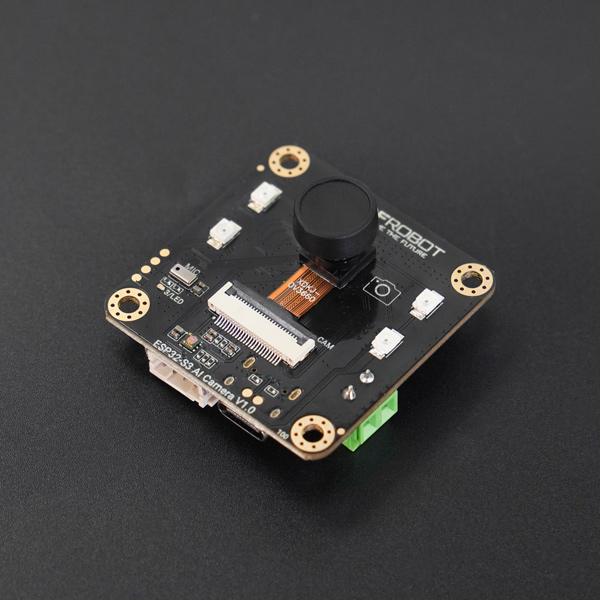
配置编译目标为 ESP32S3:
idf.py set-target esp32s3
打开 menuconfig:
idf.py menuconfig
选择板子:
Xiaozhi Assistant -> Board Type -> DFRobot ESP32-S3 AI智能摄像头模块
修改 psram 配置:
Component config -> ESP PSRAM -> SPI RAM config -> Mode (QUAD/OCT) -> Octal Mode PSRAM
修改 WiFi 发射功率 为 10:
Component config -> PHY -> (10)Max WiFi TX power (dBm)
配置摄像头:
```
Component config -> Espressif Camera Sensors Configurations -> Camera Sensor Configuration -> Select and Set Camera Sensor -> OV3660 ->  Select default output format for DVP interface (YUV422 240x240 24fps, DVP 8-bit, 20M input)
```
Component config -> Espressif Camera Sensors Configurations -> Camera Sensor Configuration -> Select and Set Camera Sensor -> OV2640 ->  Select default output format for DVP interface (YUV422 240x240 25fps, DVP 8-bit, 20M input)
编译:
idf.py build

